Workspace tutorial
A guided tour of Renbase Studio, the web workspace. Fifteen minutes end to end: sign in, load content, ask a question, govern a definition, invite your team and hand a key to an agent.
Everything here is also available through the API. Most teams govern from the workspace and integrate from the API.
1. Sign in
There are no passwords. Enter your work email and Renbase sends a one-time code that expires in a few minutes.
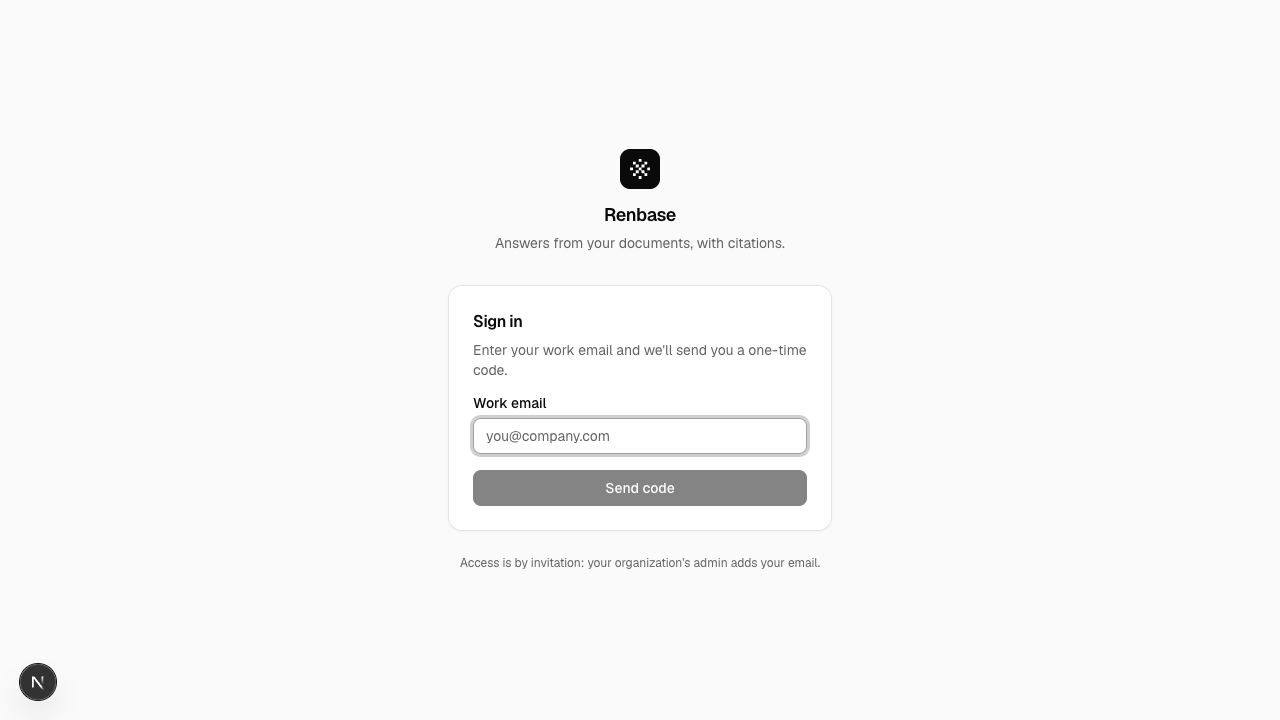
Access is by invitation: your organization's admin adds your email first. If the code doesn't arrive, request a new one — the previous code is invalidated as soon as you do.
2. Get your bearings
The home screen is a status report on your corpus, not a dashboard of vanity metrics.
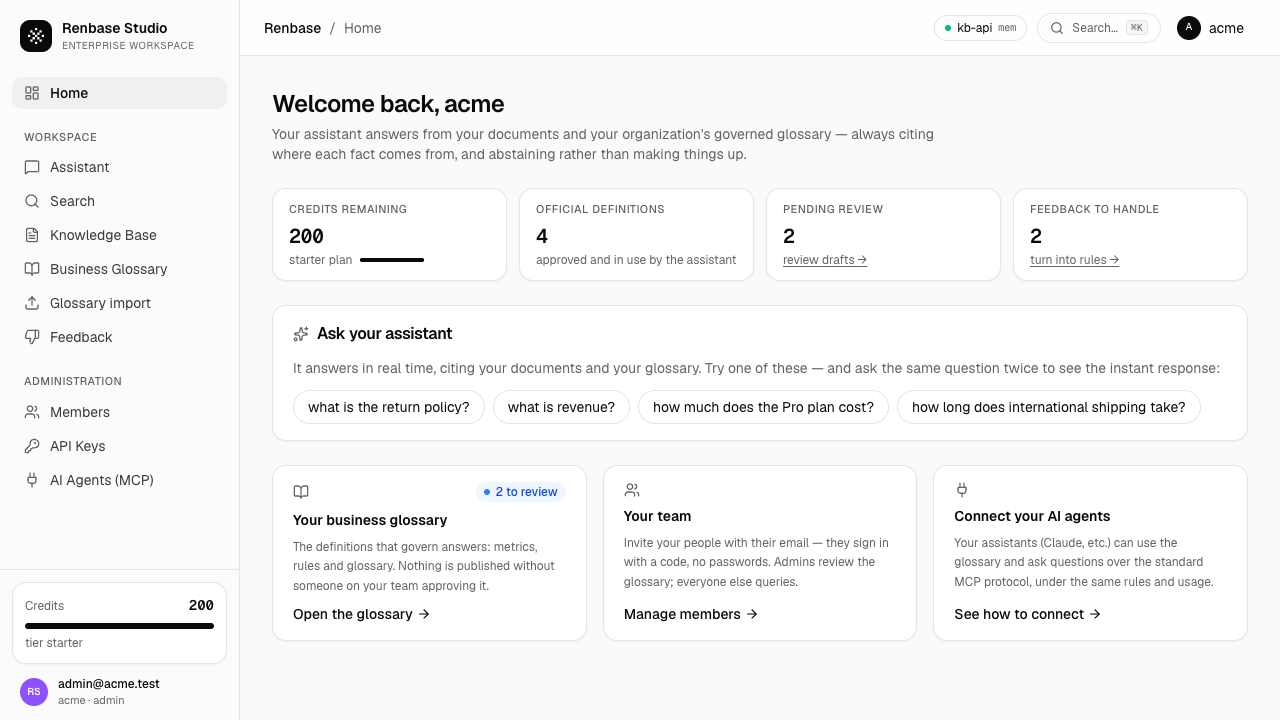
Four numbers matter:
- Credits remaining — questions available in the current period, and your plan.
- Official definitions — approved entries currently governing answers.
- Pending review — drafts waiting for a human. A number that keeps growing is a corpus going stale.
- Feedback to handle — corrections your people have submitted that nobody has turned into a rule yet.
The last two are the ones to watch. They're the health of the governance loop.
3. Load your content
Knowledge Base is everything the assistant can cite. Drag files in or pick them, choosing the collection they belong to.
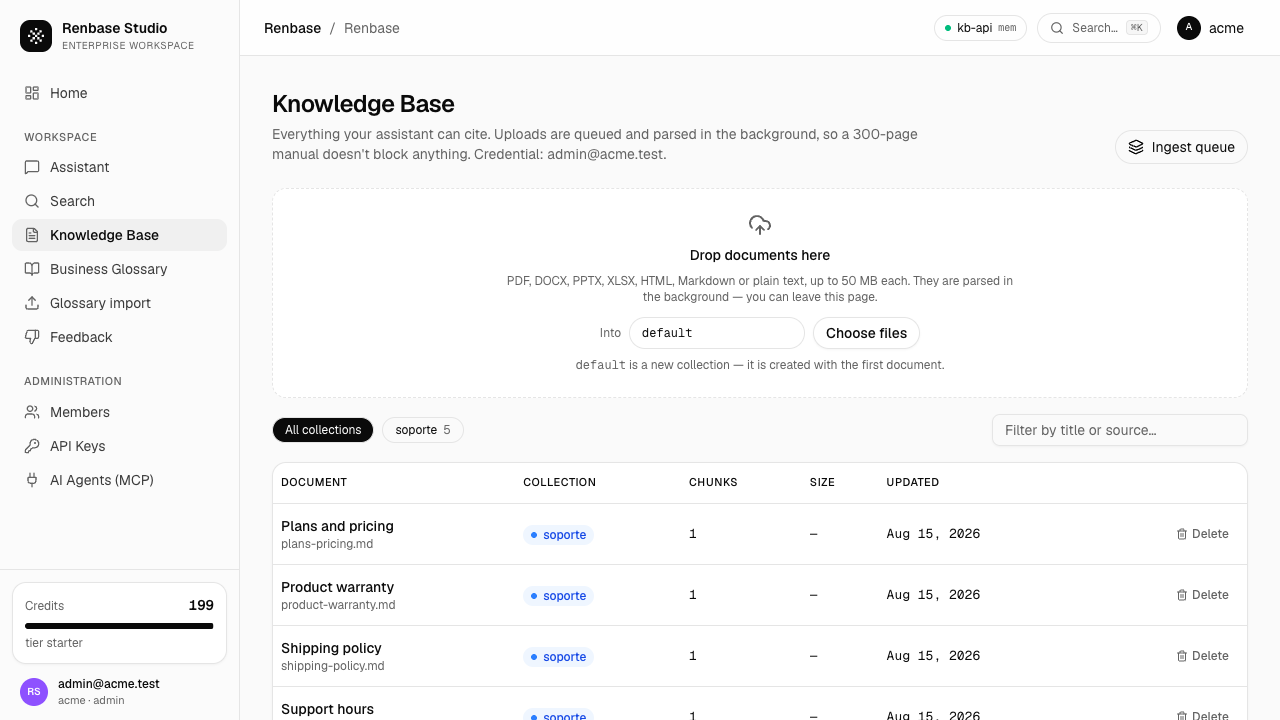
Uploads are queued and processed in the background, so a 300-page manual doesn't block anything — you can leave the page. The list shows each document with its collection, how many fragments it was split into, its size and when it was last updated. Ingest queue shows what's still processing.
Start with the ten documents your team actually quotes. A small, correct corpus beats a large, contradictory one.
4. Ask, and read the receipts
Assistant answers in real time from your documents and your approved definitions.
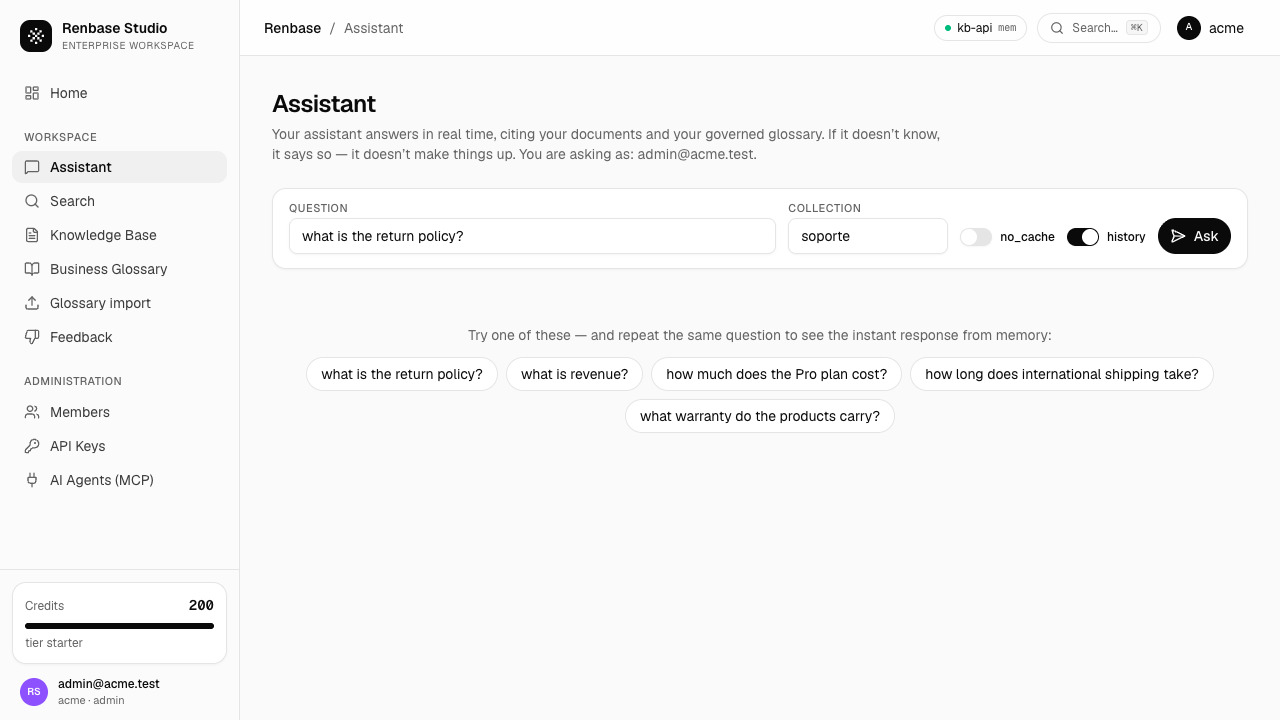
Ask, and the answer arrives with its sources listed underneath — each with its excerpt, its type and its relevance score.

Two things worth doing on your first visit:
Follow a citation. Every [1] in the answer points at a source in this list. If a claim isn't cited, it isn't in your corpus.
Ask something you know isn't covered. The assistant should abstain and say so. That refusal is the product working: it's the difference between a system you can put in front of customers and one you can't.
Each question consumes one credit; the counter in the sidebar updates as you go.
5. Govern your definitions
Business Glossary holds the definitions that govern answers: metrics, entities, rules and glossary terms.
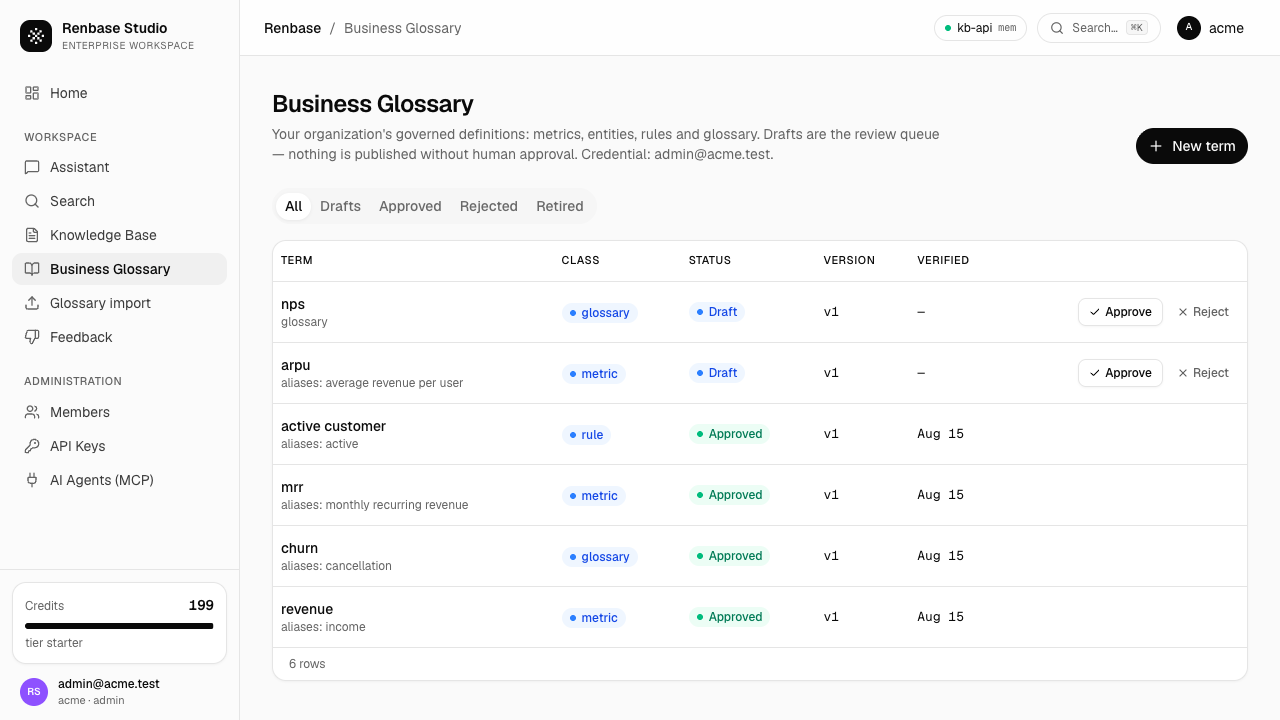
The list is a review queue. Drafts — anything a machine proposed, whether imported or suggested — sit there with Approve and Reject and they do not affect any answer until someone approves them. Approved entries show their version and the date they were last verified.
Try it: approve one draft, then ask the assistant about that term. The answer now cites the definition, with your name as approver.
New term creates one by hand. The most valuable ones are usually rules — the conditional knowledge you'd tell a new hire in their first week, which no document states.
6. Turn complaints into rules
Every answer carries thumbs up and down. A thumbs down with a correction lands in Feedback, where an admin can promote it into a rule with one action.
This is the loop that makes the corpus improve: every bad answer someone corrects makes all the following ones better, and the record shows who decided what.
7. Invite your team
Members manages who can get in and what they can do.
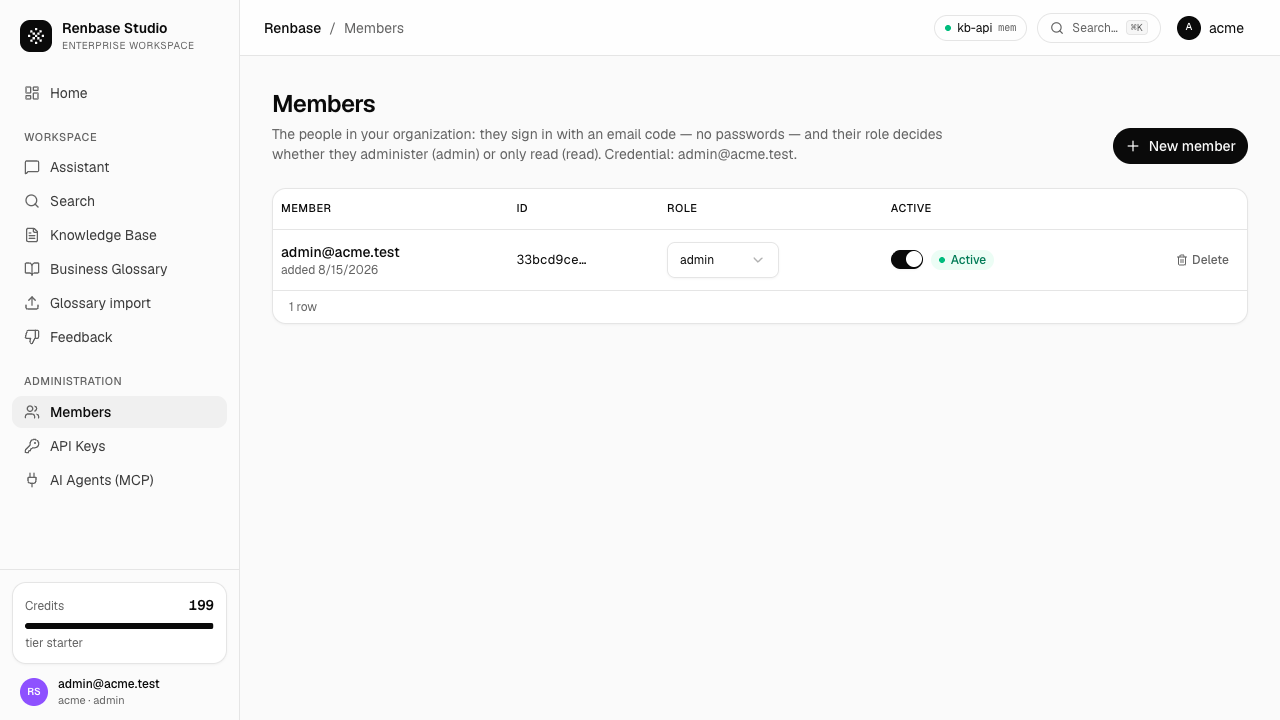
Two roles: admin governs (approves definitions, manages members and keys, deletes documents), read asks and browses. Invite by email; the person signs in with a one-time code on their first visit.
8. Connect your services and agents
API Keys issues the credentials your integrations use.
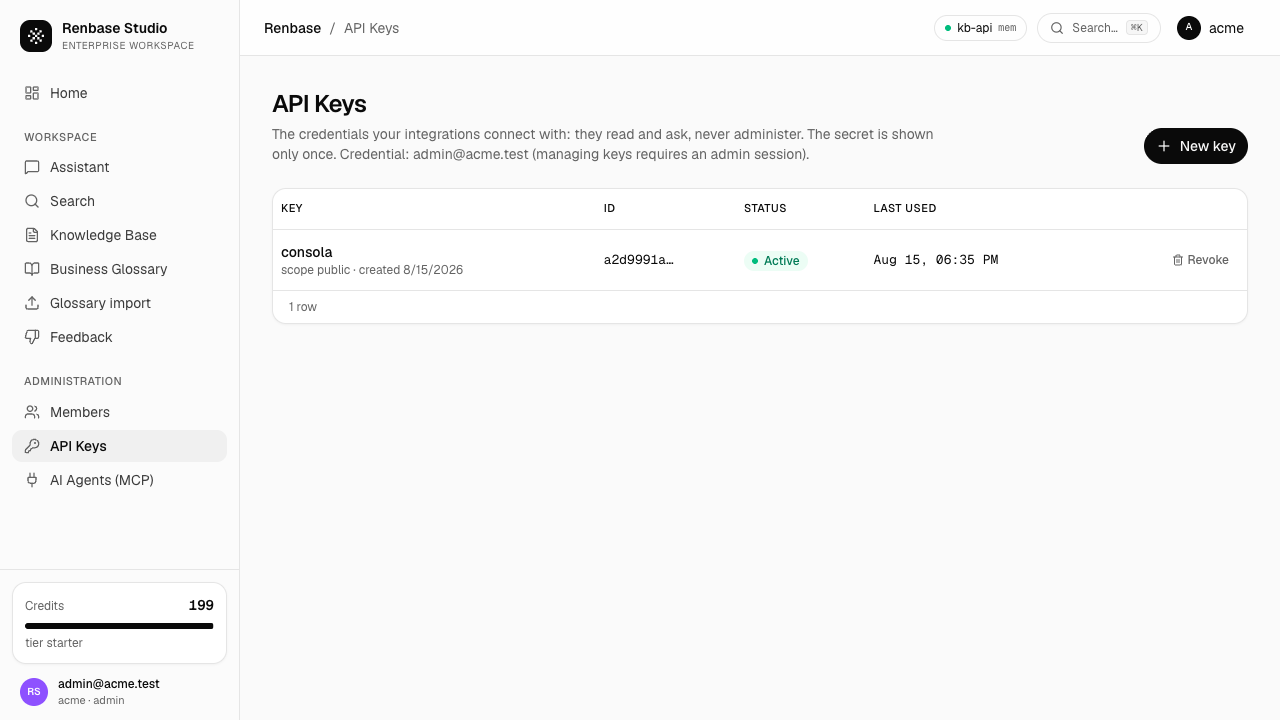
The secret is shown once, at creation. Issue one key per integration so you can revoke it in isolation — revocation takes effect immediately. Keys read and ask; they never administer, so a leaked key cannot approve a definition or delete a document.
With a key in hand, connecting an assistant takes one command:
claude mcp add --transport http renbase https://api.renbase.ai/mcp \
  --header "Authorization: Bearer kb_live_..."
AI Agents (MCP) in the sidebar lists the available tools and lets you try each one from the browser before wiring it into an agent. See AI agents (MCP).
Where to go next
| Next step | Page |
|---|---|
| Automate uploads and questions | API reference |
| Understand approval, conflicts and staleness | Core concepts |
| Import definitions you already have | Business definitions |